My Website
My Website
My Website

Welcome to the FriteShop Logo Workshop.
Here you will be able to upload your logo for the cone or crape holders you have just ordered.
Please follow the instructions below.
1 Select the production ordered previously on the FriteShop Web store from the icons on the Welcome Page. This will take you to the FrietShop Logo Placement Canvas.
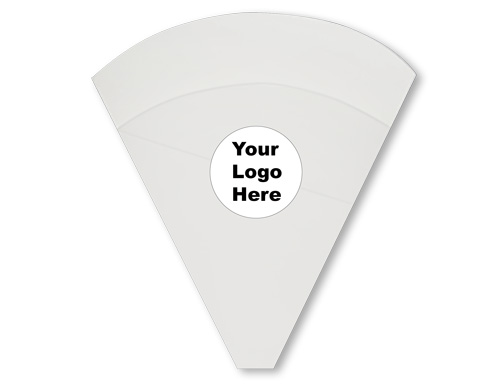
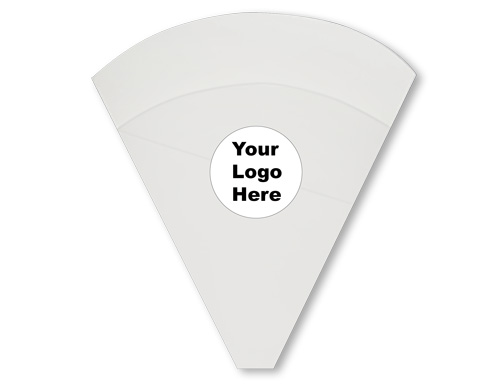
2 Click on image that says "Upload Your Logo" located in the center of the outline of the cone product.
3 A small square icon will appear to the right of the "Upload Your Logo" image. Click the small square icon to open the upload window.
NOTE: Your logo will need to fit in a 2 inch round window and should be a JPEG or PDF image ( PDF preferred ) at a resolution to support quality printing ( 240 to 300 DPI ).
4 After yo have placed your logo in the area provided in the cone outline you will be able to move and resize your logo to position it properly.
5 After positioning the logo and naming it in the field provided click on the "Add to Cart" button and approve the proof that will appear.
FrietShop White French Crepe Holder Regular Size. Code: BW
FrietShop White French Crepe Holder Large Size. Code: BBW
© 2023 This site and its contents are protected by U.S. and international copyright law.